
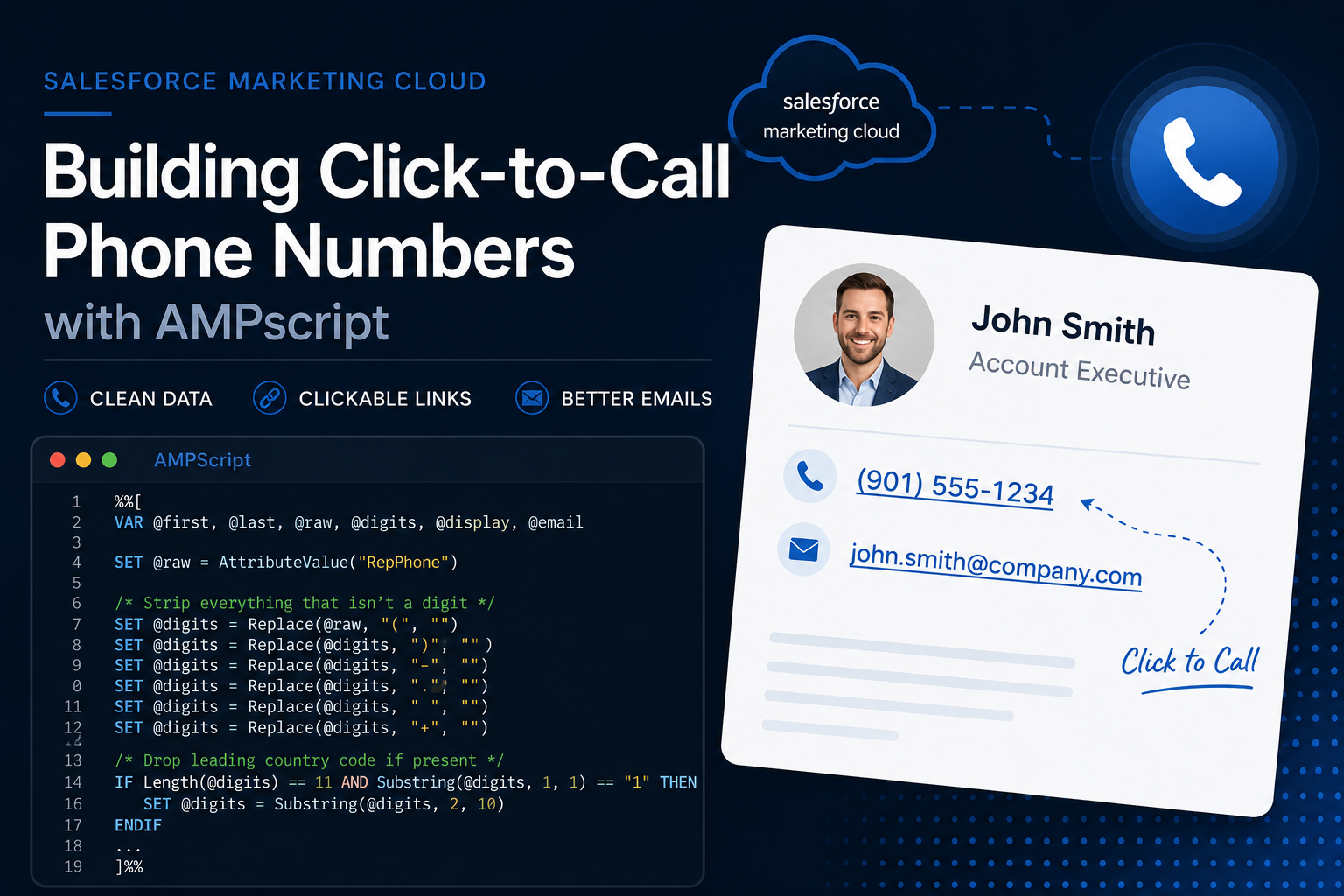
One of the things I’ve learned working with Salesforce Marketing Cloud is that you should never assume your data is clean.
A phone number might land in your Data Extension in any number of formats:
(901) 555-1234901-555-1234901.555.12349015551234+1 (901) 555-1234
They all represent the same number, but if you’re building email signatures or Sales Rep contact blocks, those different formats create two problems:
- The phone number doesn’t look consistent.
- Click-to-call links (
tel:) can fail on some devices if they’re built from unformatted data.
The solution is simple: normalize the data first, then use it for both display and the hyperlink.
The Approach
The script below does four things:
- Retrieves the rep’s information from the Data Extension.
- Removes formatting characters from the phone number.
- Removes the leading U.S. country code if one exists.
- Creates a formatted version for display while keeping a clean numeric version for the
tel:link.
%%[
VAR @first, @last, @raw, @digits, @display, @email

SET @first = AttributeValue("RepFirstName")
SET @last  = AttributeValue("RepLastName")
SET @raw   = AttributeValue("RepPhone")
SET @email = AttributeValue("RepEmail")

/* Strip everything that isn't a digit */
SET @digits = @raw
SET @digits = Replace(@digits, "(", "")
SET @digits = Replace(@digits, ")", "")
SET @digits = Replace(@digits, "-", "")
SET @digits = Replace(@digits, ".", "")
SET @digits = Replace(@digits, " ", "")
SET @digits = Replace(@digits, "+", "")

/* Drop the leading country code if present */
IF Length(@digits) == 11 AND Substring(@digits, 1, 1) == "1" THEN
  SET @digits = Substring(@digits, 2, 10)
ENDIF

/* Format for display; fall back to the raw value if it isn't a clean 10 */
IF Length(@digits) == 10 THEN
  SET @display = Concat(
    "(",
    Substring(@digits, 1, 3),
    ") ",
    Substring(@digits, 4, 3),
    "-",
    Substring(@digits, 7, 4)
  )
ELSE
  SET @display = @raw
ENDIF
]%%
Once the variables are prepared, the HTML uses them to build a contact block with clickable phone and email links.
<p style="margin:0; padding-left:10px; font-family:Arial, sans-serif; font-size:13px; line-height:18px; color:#333333;">
  <strong>%%=v(@first)=%% %%=v(@last)=%%</strong><br />
  Account Executive<br />

  %%[ IF NOT EMPTY(@digits) THEN ]%%
  <a href="tel:+1%%=v(@digits)=%%"
     style="font-family:Arial, sans-serif; font-size:13px; line-height:18px; color:#333333; text-decoration:none;">
    %%=v(@display)=%%
  </a><br />
  %%[ ENDIF ]%%

  %%[ IF NOT EMPTY(@email) THEN ]%%
  <a href="mailto:%%=v(@email)=%%"
     style="font-family:Arial, sans-serif; font-size:13px; line-height:18px; color:#0057A6; text-decoration:underline;">
    %%=v(@email)=%%
  </a>
  %%[ ENDIF ]%%
</p>
Why Not Just Use the Raw Phone Number?
Because people and devices expect different formats.
Your readers want to see:
(901) 555-1234
Your customer’s phone expects:
tel:+19015551234
Keeping separate values for display and linking gives you the best of both worlds: a professional-looking email that’s also mobile-friendly.
A Little Defensive Programming
Avoid rendering empty links.
%%[ IF NOT EMPTY(@digits) THEN ]%%
and
%%[ IF NOT EMPTY(@email) THEN ]%%
If the CRM record doesn’t contain a phone number or email address, those elements simply aren’t rendered.
Instead of displaying an empty phone number or generating a broken tel: link, the email gracefully omits the missing information.
Could This Be Better?
Definitely.
If you’re using this contact block in multiple emails, don’t duplicate the code across every template.
Instead, move it into a Shared Content Area or a Content Builder Code Snippet and reference it wherever it’s needed. When the formatting or business rules change, you’ll only have one place to update.
It’s usually best to solve the problem once, and reuse it everywhere.
Final Thoughts
This isn’t the flashiest AMPscript you’ll ever write, but it’s the kind of utility that quietly improves every email you send.
Clean data. Consistent formatting. Clickable links. Defensive coding.
Sometimes the best code isn’t the most complex. It’s the code your future self never has to think about again.